

Connect your AI (MCP)
Plug the live feed of newly launched stores into Claude, ChatGPT, Perplexity, Cursor and any app that speaks MCP. Available on Business and Enterprise.
FisherLeads speaks the Model Context Protocol (MCP), the open standard that lets AI apps connect to outside tools. Add FisherLeads to your AI app once, and you can ask it, in plain English, for newly launched stores and get them back live, drawn from the same feed the dashboard shows.
It works with any app that speaks MCP. The server endpoint is the same everywhere:
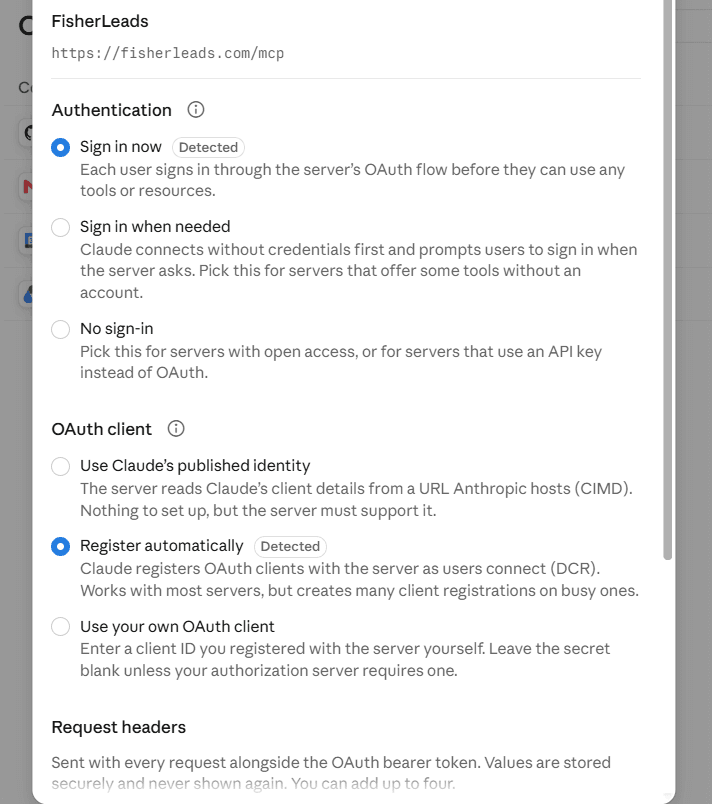
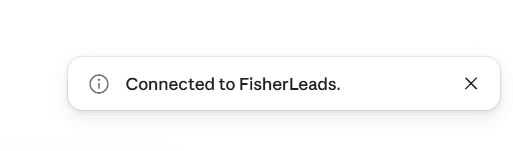
https://fisherleads.com/mcpConnecting is the same three steps in every app: add that URL as a connector, sign in with your FisherLeads account, and approve access. There are no keys to copy. The access is tied to your account, so your plan and export allowance apply automatically.
Who can connect
Connecting an AI app is available on the Business and Enterprise plans. Searching and counting are free; exports draw from your plan's export allowance, the same pool the dashboard and API use.
Set it up in your app
Pick your app below. If yours is not listed, the last tab covers any other MCP app.
Works on Claude Desktop and claude.ai, on Free, Pro, Max, Team and Enterprise (Free allows one custom connector).
FisherLeads, enter the server URL https://fisherleads.com/mcp, then click Continue.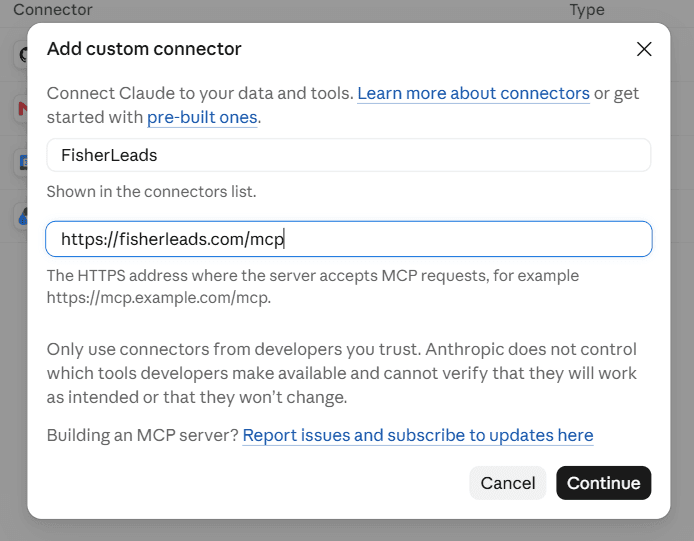
What your AI can do
Once connected, your AI has four tools. It picks the right one from what you ask.
| Tool | What it does | Cost |
|---|---|---|
search_new_stores | Find newly launched stores by platform, country, niche and launch date. | Free |
launch_stats | How many stores launched today, this week, or by platform. | Free |
get_store | The full record for one store: platform, tech, launch date, owner contacts. | Free |
export_leads | Export matching leads to CSV. | Uses your export allowance |
Things to ask
Talk to it in plain language. For example:
- "Find new UK beauty Shopify stores launched today that have an email."
- "How many WooCommerce stores launched this week in the US?"
- "Look up example.com and tell me its platform, niche and contact."
- "Export 200 new apparel stores with a verified email."
Good to know
- Your data stays yours. Access is granted by signing in, is tied to your account, and you can disconnect at any time from the app or revoke it in your FisherLeads settings.
- One allowance. Exports from your AI draw from the same monthly export allowance as the dashboard and API. Searching and counting never cost anything.
- Prefer code? Enterprise plans can also use the plain REST API for the same feed.